Louise Harnby | Crime Fiction and Thriller Editor
  • Home
  • Resource library
  • Services
  • Courses
  • Books
  • Podcast
  • Blog
  • Training login
  • Contact

Formatting in Word: Find and Replace

Document-polishing tips and tools
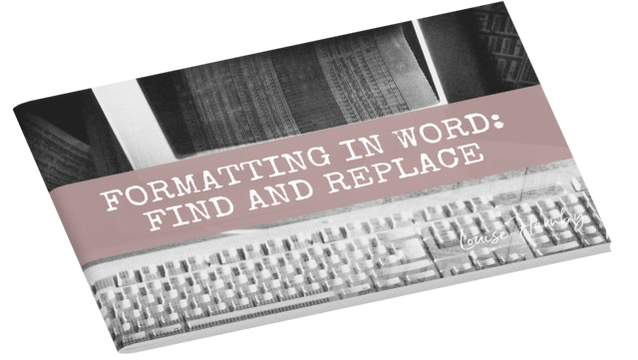
This booklet provides independent authors and editors with guidance on how to tidy up a Word document. And it's completely free!

Even those with minimal experience of using Word will be able to follow the easy instructions in this toolkit.
DOWNLOAD THE BOOKLET
Decorative image

​I'll show you how to use some simple macros, Word's find/replace tool and its wildcard-search function to deal with a number of problems, including:
  • ​Removing double spaces
  • Removing all rogue spaces at the beginning and end of paragraphs
  • Removing double line returns
  • Changing hyphens used as parentheses to dashes
  • Changing tabbed paragraph indents to proper line indents (using Word’s ‘Styles’)
  • Changing a hyphen in a number span
  • Finding lower-case letters at the beginning of paragraphs
  • Finding a paragraph that ends with no punctuation
  • Finding a full point followed by a lower-case letter
  • ​Changing date styles with wildcard searches
  • Running a confusables macro
  • Removing unnecessary spaces before or after punctuation
CIEP Advanced Professional Member
Alliance of Independent Authors
Picture
INFO ABOUT ME
​●  About Louise
●  Portfolio
●  Qualifications
​●  Professional Practice Code
●  ​Contact​​
INFO FOR INDIE AUTHORS
●  Editorial services
●  Fees and availability
●  ​Why choose Louise?
●  Testimonials
●  Books
​●  Free resources​
​●  How my editing process works
INFO FOR EDITORS
●  Training courses and books
●  ​Free resources
●  Business help
​●  The Editing Podcast
​●  The Editing Blog
​​●  Training login​

Privacy policy  ●  Terms and conditions

Sign up for my monthly newsletter, The Editorial Letter ➜
GET THE EDITORIAL LETTER

© 2011– Louise Harnby
  • Home
  • Resource library
  • Services
  • Courses
  • Books
  • Podcast
  • Blog
  • Training login
  • Contact